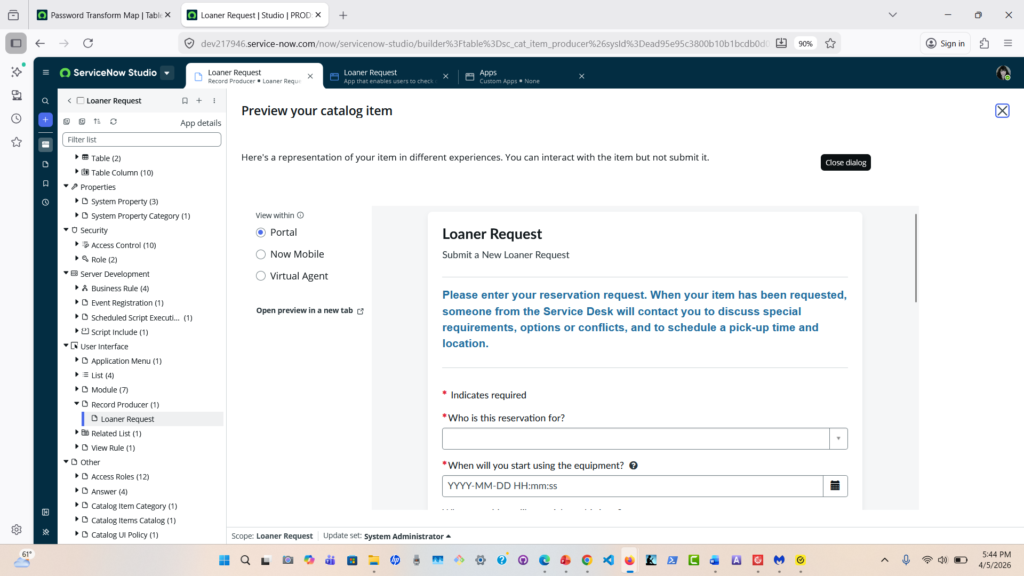
In this post, I’ll walk you through a custom ServiceNow application I built to manage loaner equipment requests from submission to return.
Overview
The goal of this application was to centralize equipment requests, improve tracking, and eliminate manual processes.
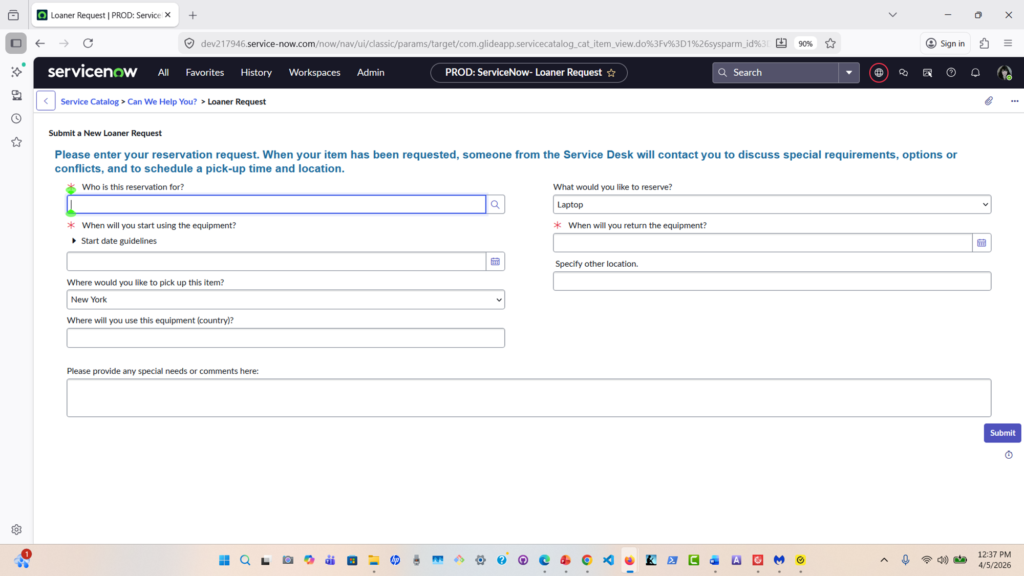
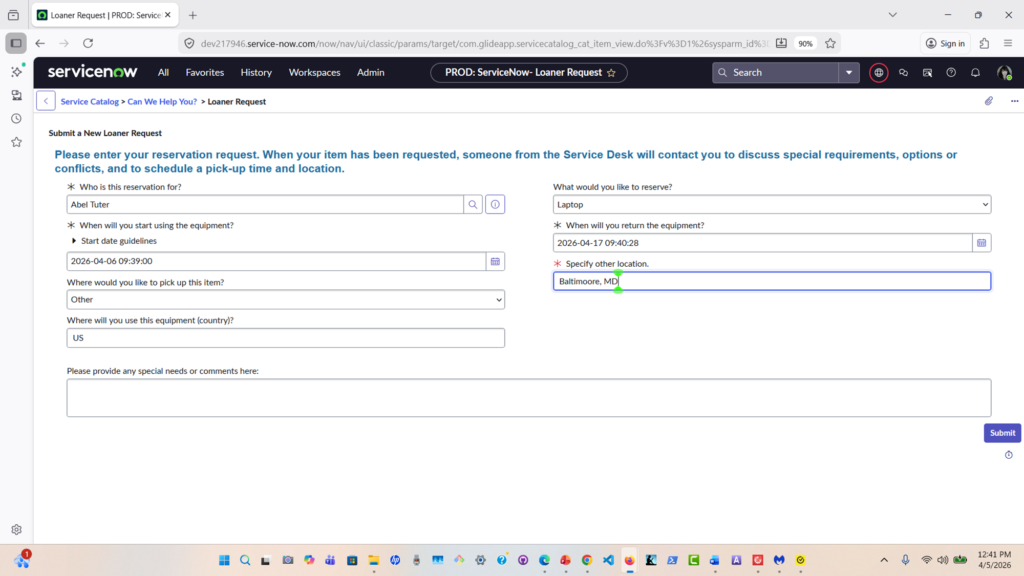
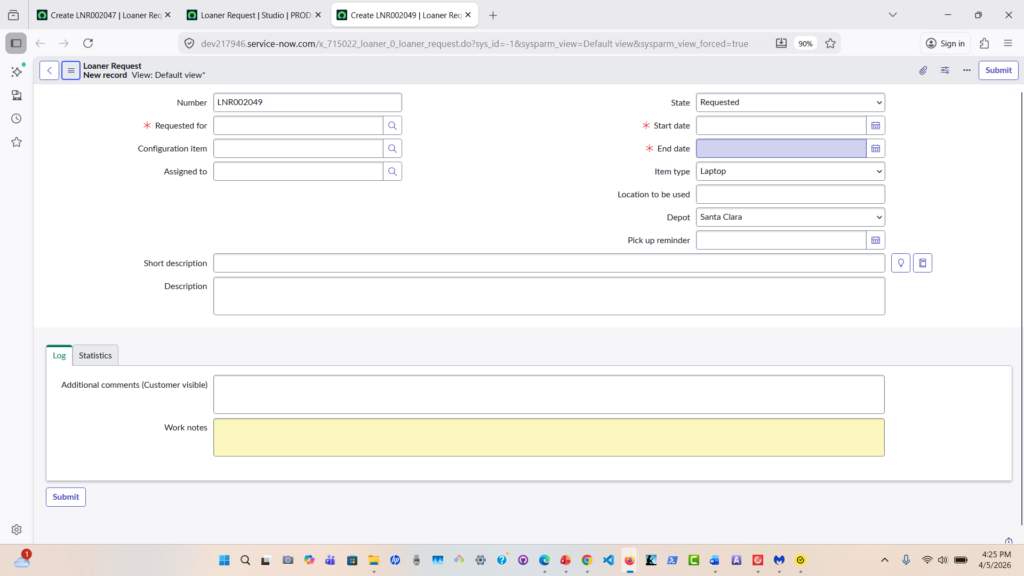
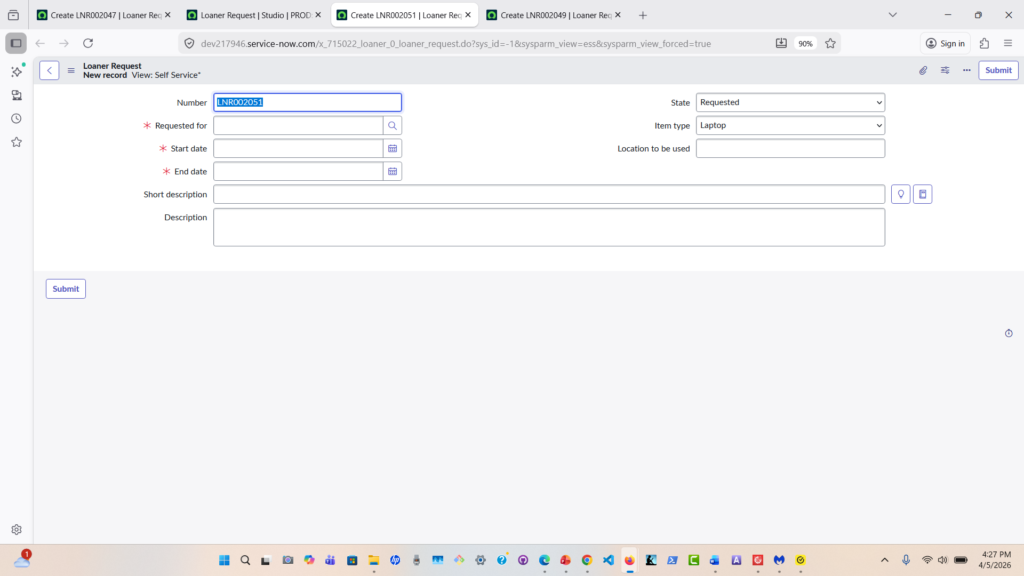
•Here’s the request form. Users can select the type of equipment, request duration, and provide additional details.
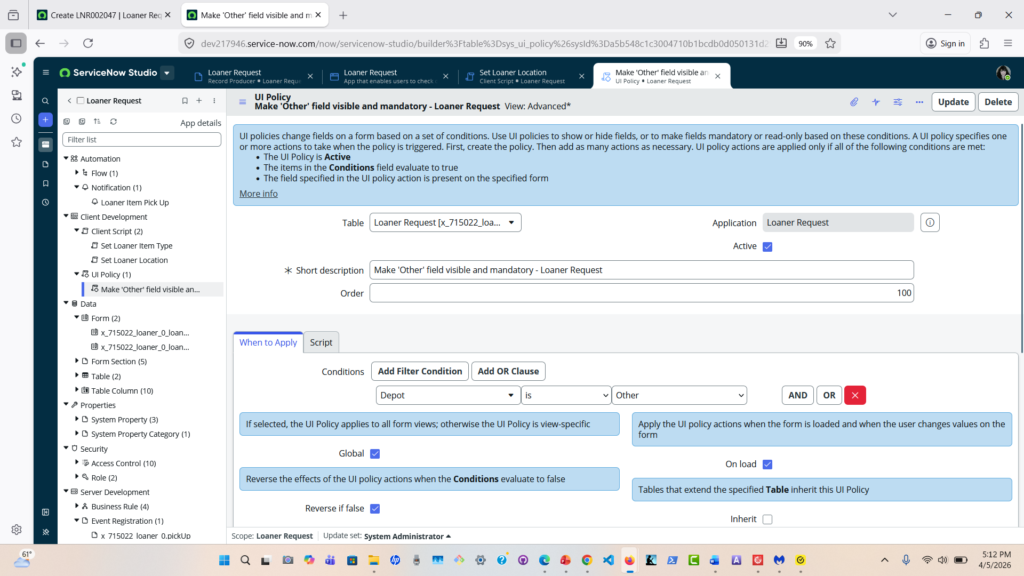
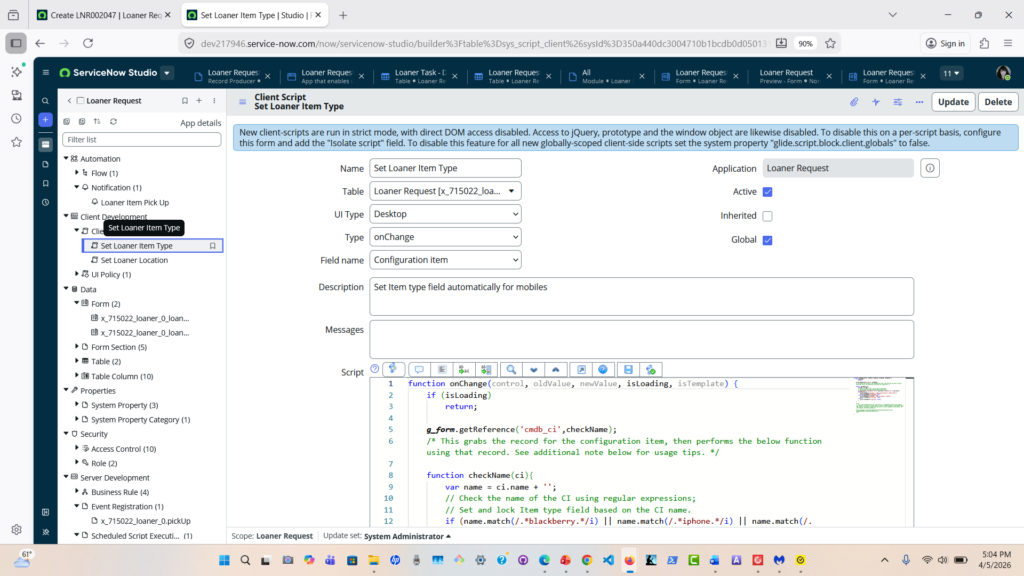
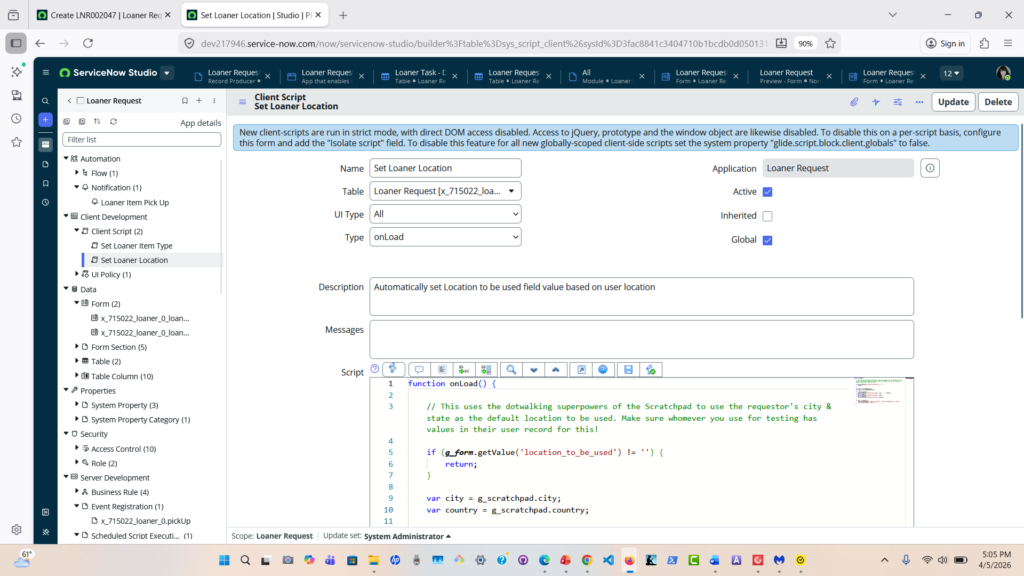
•Using UI Policies and Client Scripts, the form dynamically updates based on user input.
•Once submitted, the request triggers an approval workflow.
•After approval, the system assigns the request and tracks the equipment status throughout its lifecycle.
•Notifications are sent at each stage to keep users informed
Technical Overview
This app was built using:
Scoped Application architecture
Service Catalog for request intake
Script Includes and Glide API
UI Policies and Client Scripts
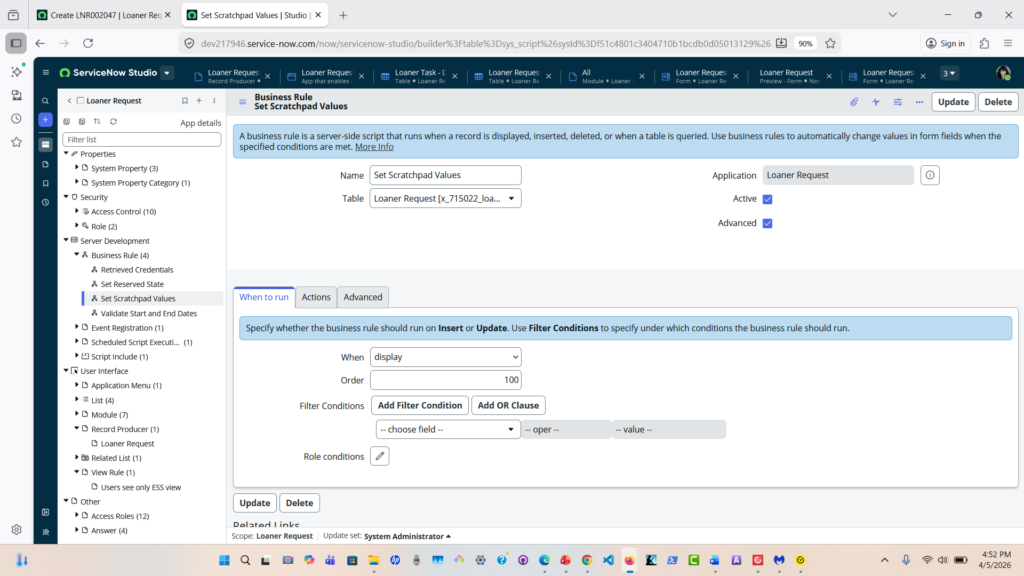
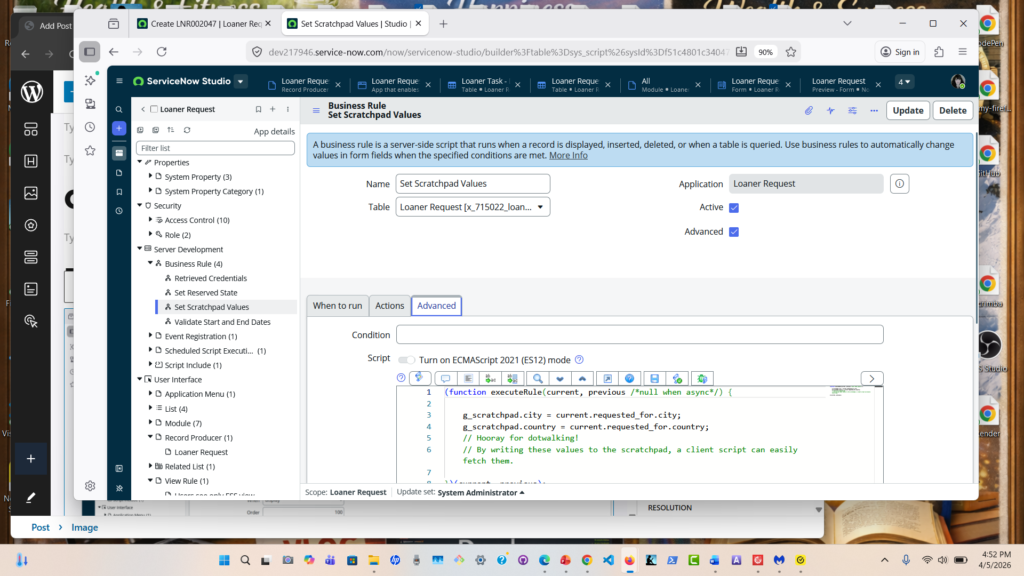
Display Business Rule
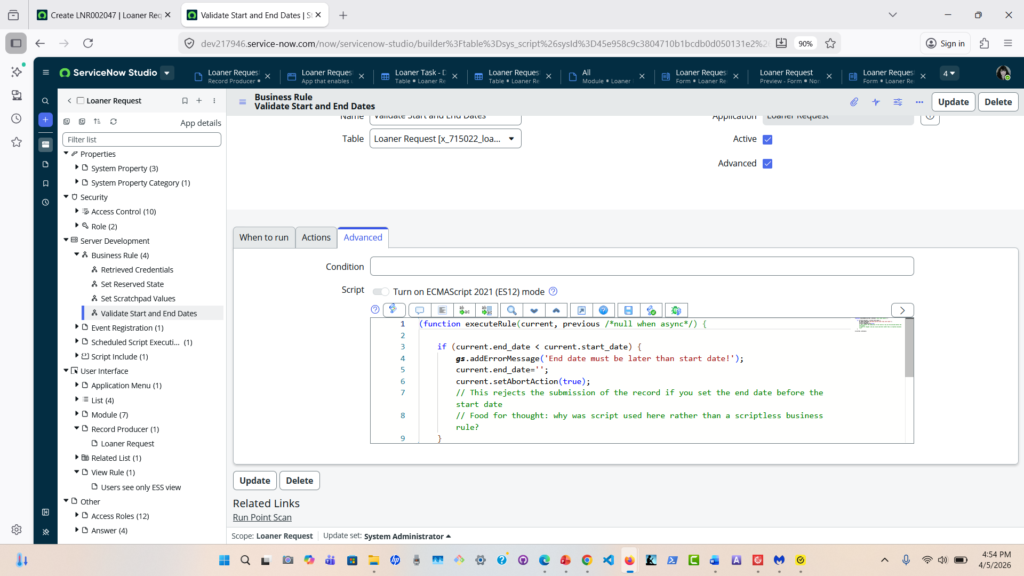
Date Validation with a Business Rule
This was done in Agile Sprints with a working, although not complete, at the end of each sprint.
Impact
This solution improves visibility, reduces delays, and ensures accountability for equipment usage.
Dynamic Delivery (In Pictures)
The goal of this project was to solve a common issue organizations face—manual processes and tracking of loaner equipment requests.
So I designed the Loaner Request App to manage and track requests through an easy to use interface that aligns with Corporate software.
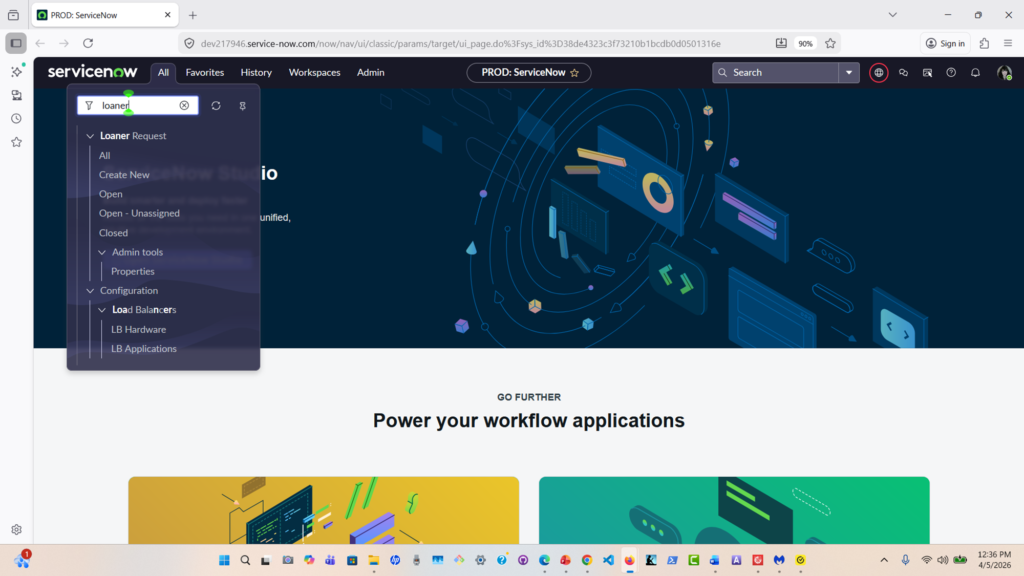
Create A New Request:
“I’ll start by creating a new request as an end user.
Database Record
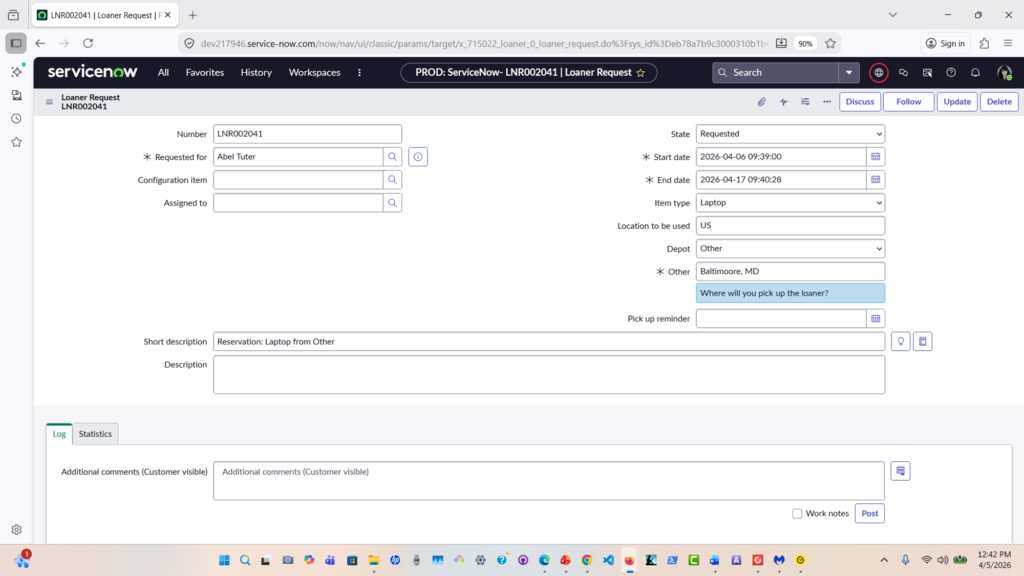
Service Catalog:
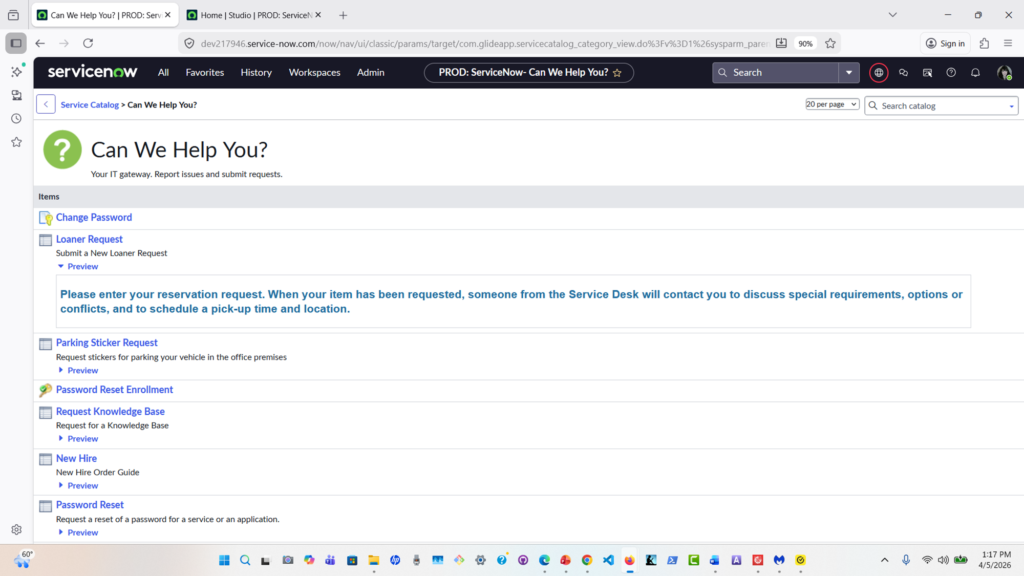
ServiceNow Studio: Loaner Request App
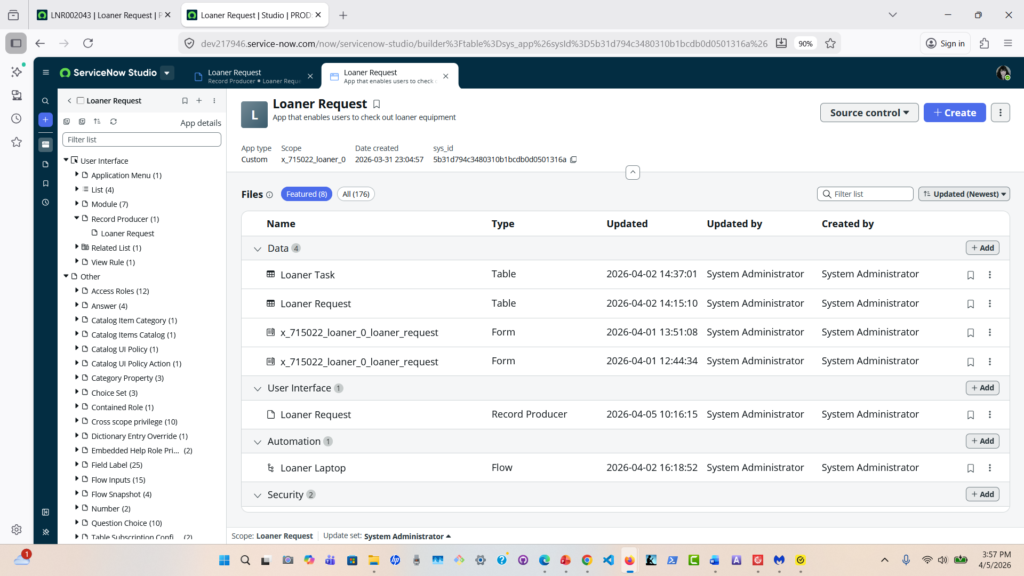
Loaner Request Table
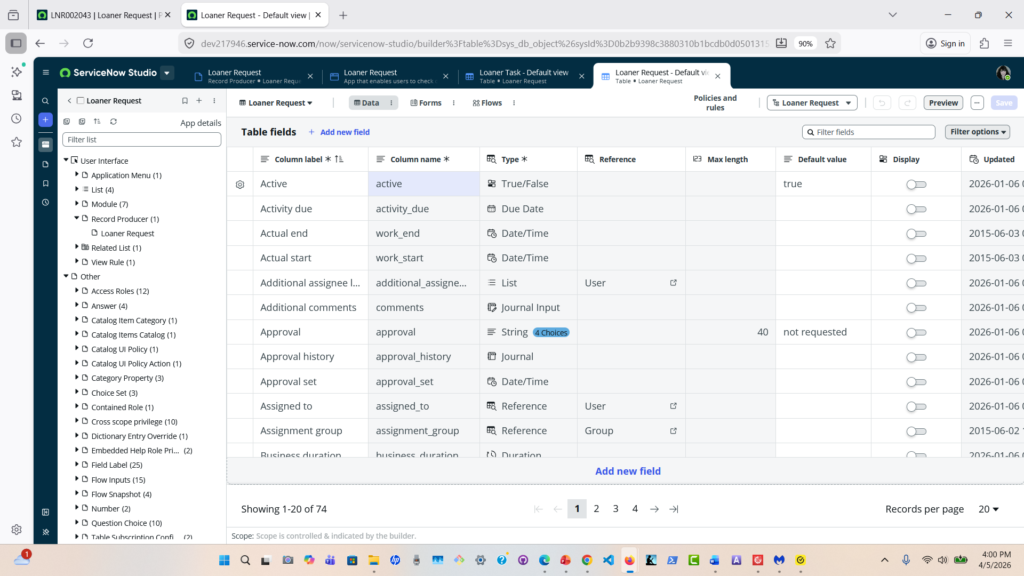
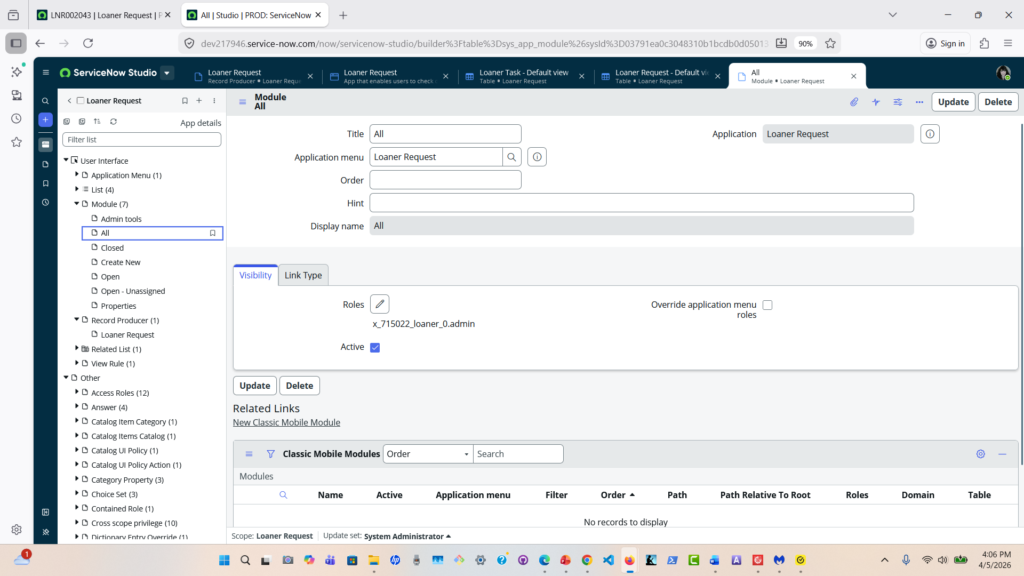
Application Modules
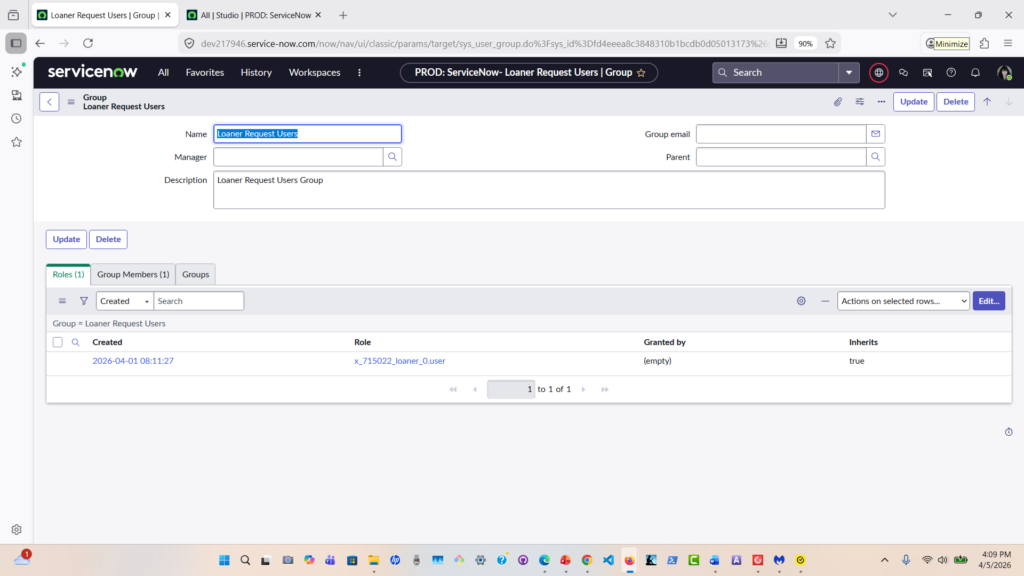
Loaner Request Users Group
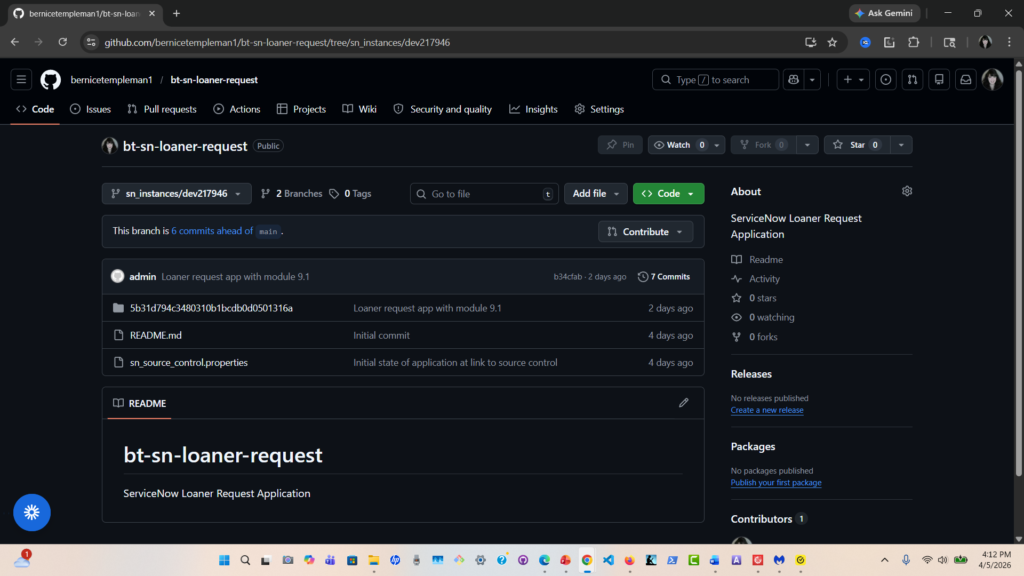
Linked ServiceNow Application to GitHub Repository
Form (Default View)
Self Service View
UI Policy
Client Scripts
Display Business Rule
Business Rule to Validate dates
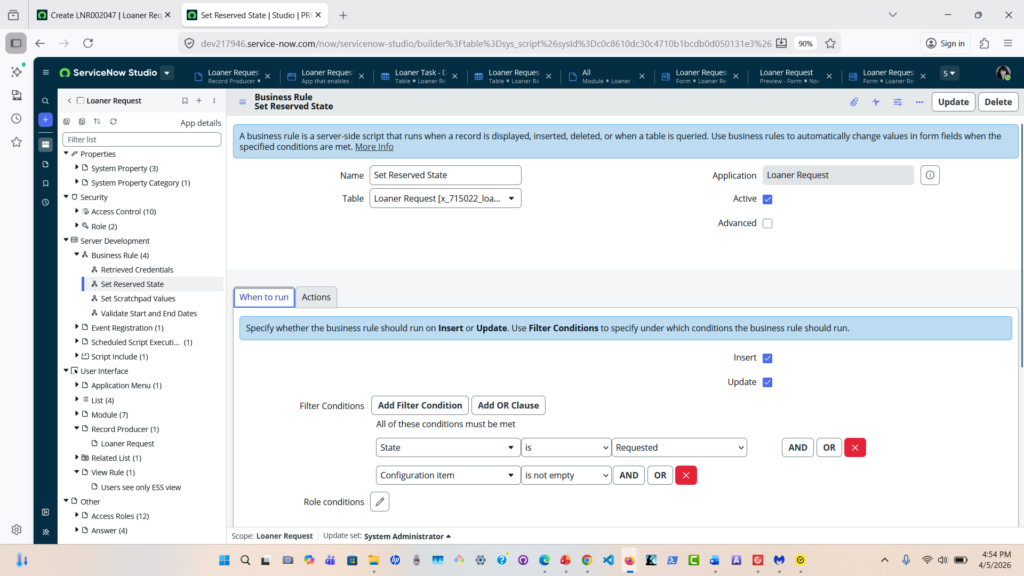
Business Rule to Set Reserved State
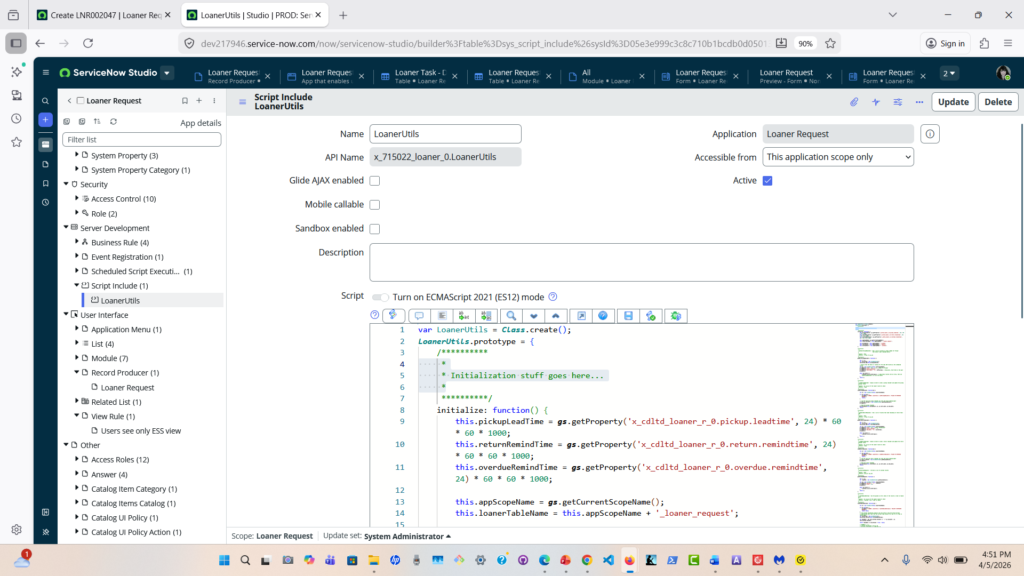
Script Include
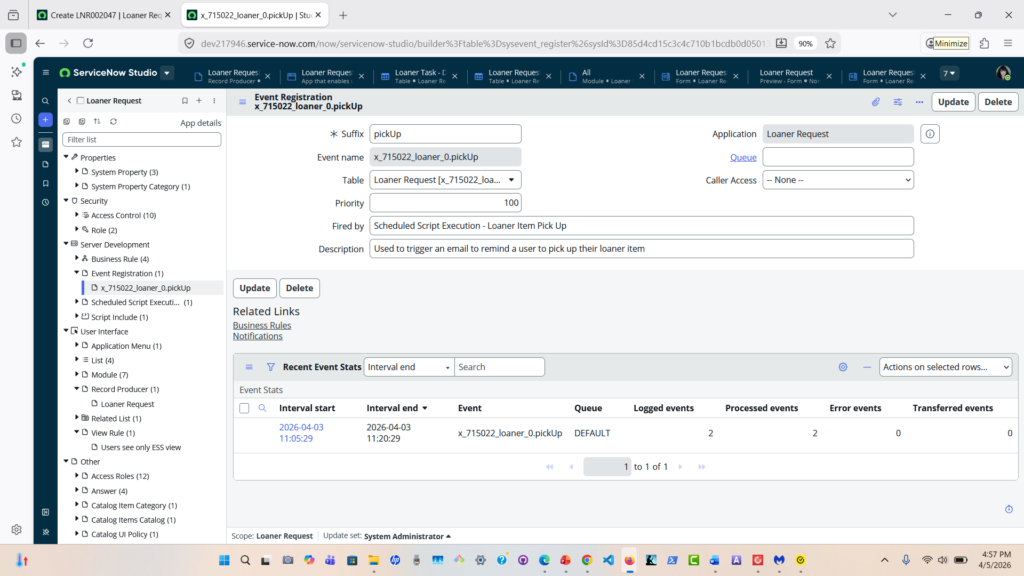
Event Registration
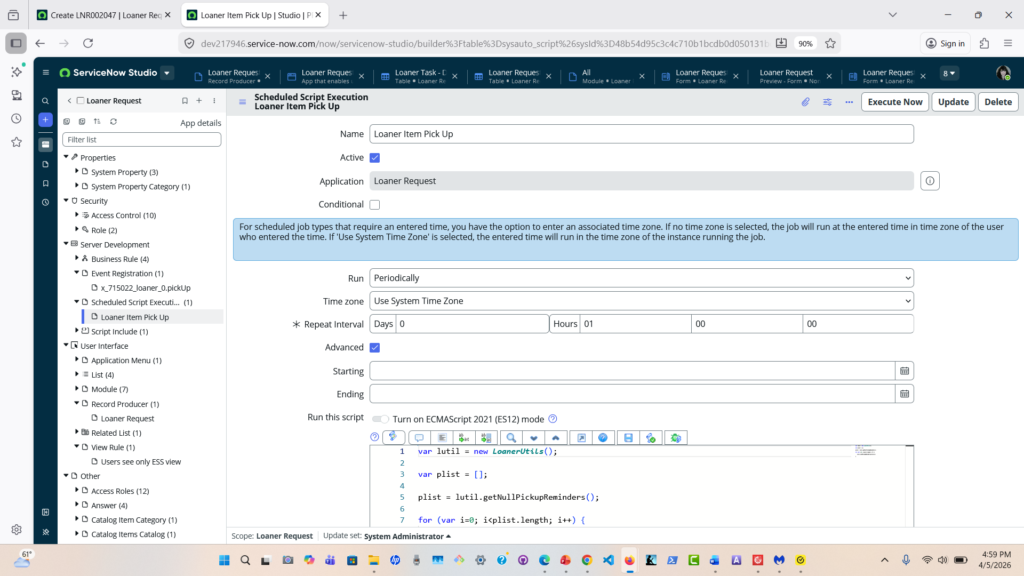
Scheduled Script Execution
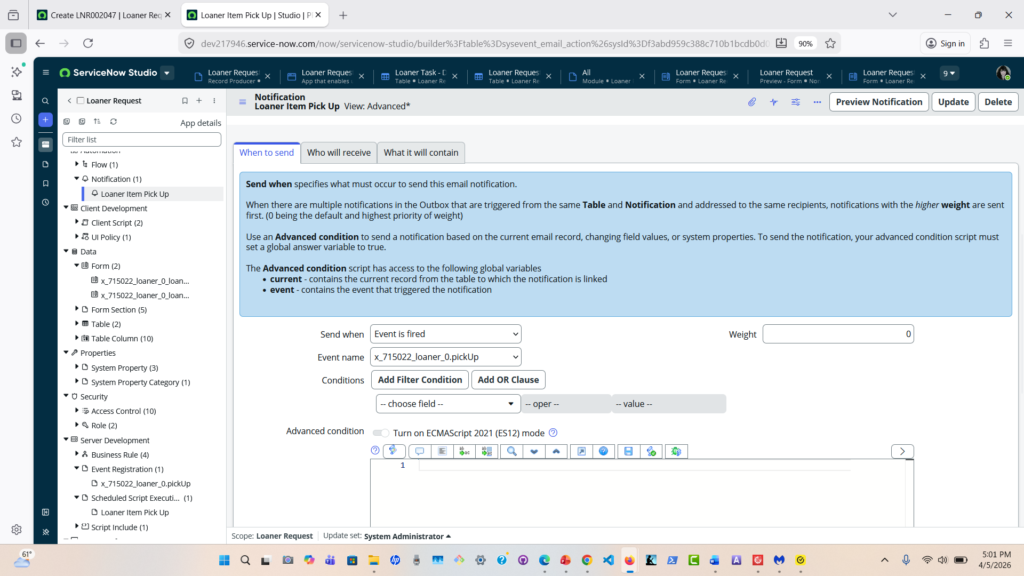
Notification Email
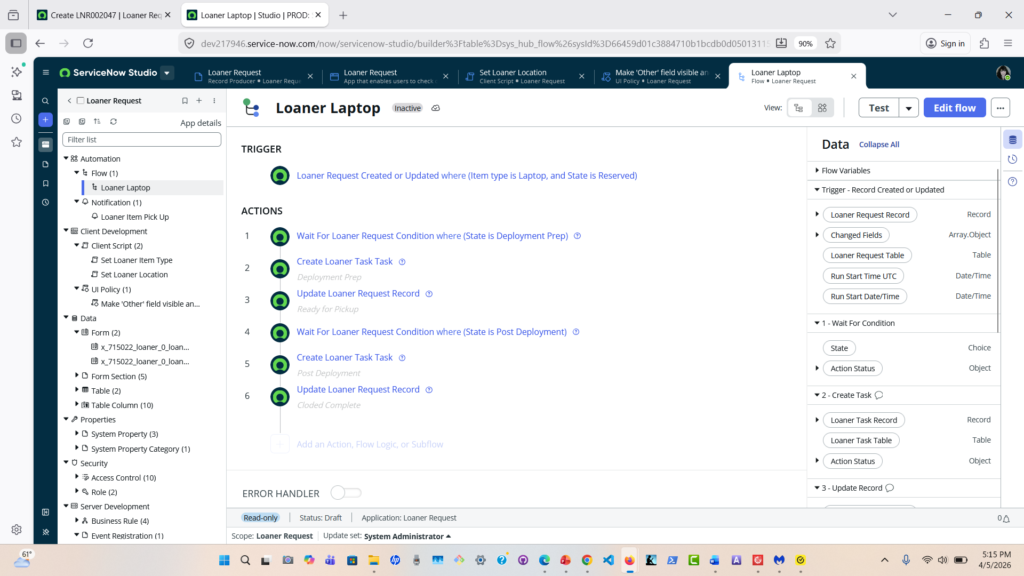
Flow To Manage Deployment states
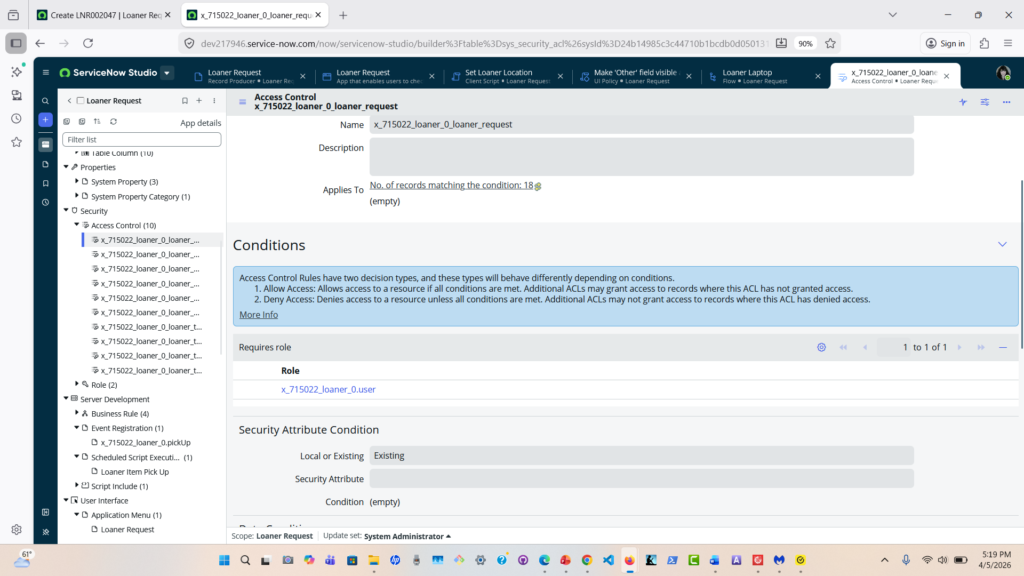
Access Control List
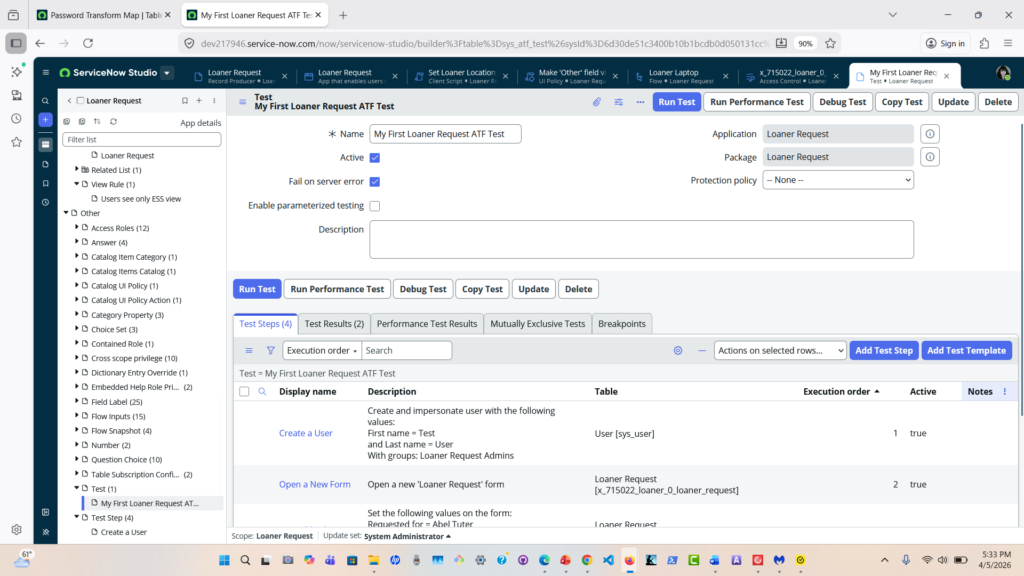
Automated Test
Service Catalog